Struggling to make videos where the lips match the words perfectly? Lip-sync deepfake AI tools can fix that for you. These tools use machine learning to create realistic and synced mouth movements in videos.
In this blog, you’ll find the best lip-sync deepfake AI tool to match your needs. Keep reading to discover which one stands out!
Key Takeaways
- HeyGen is an excellent tool for accuracy, speed, and ease of use. It supports multiple languages and creates talking avatars from text or voice input.
- LipDub AI provides Hollywood-grade precision for animations. It’s ideal for dubbing content like “Squid Game” with lifelike expressions.
- Kapwing is beginner-friendly with drag-and-drop features but lacks advanced animation tools compared to HeyGen or LipDub AI.
- Vozo AI is budget-friendly and suitable for small businesses needing quick presenter-style videos without production gear.
- Use HD video inputs, clear audio tracks, and strong lighting to improve realism in lip-sync videos created with deepfake AI tools.
Key Features to Look for in a Lip-sync Deepfake AI Tool
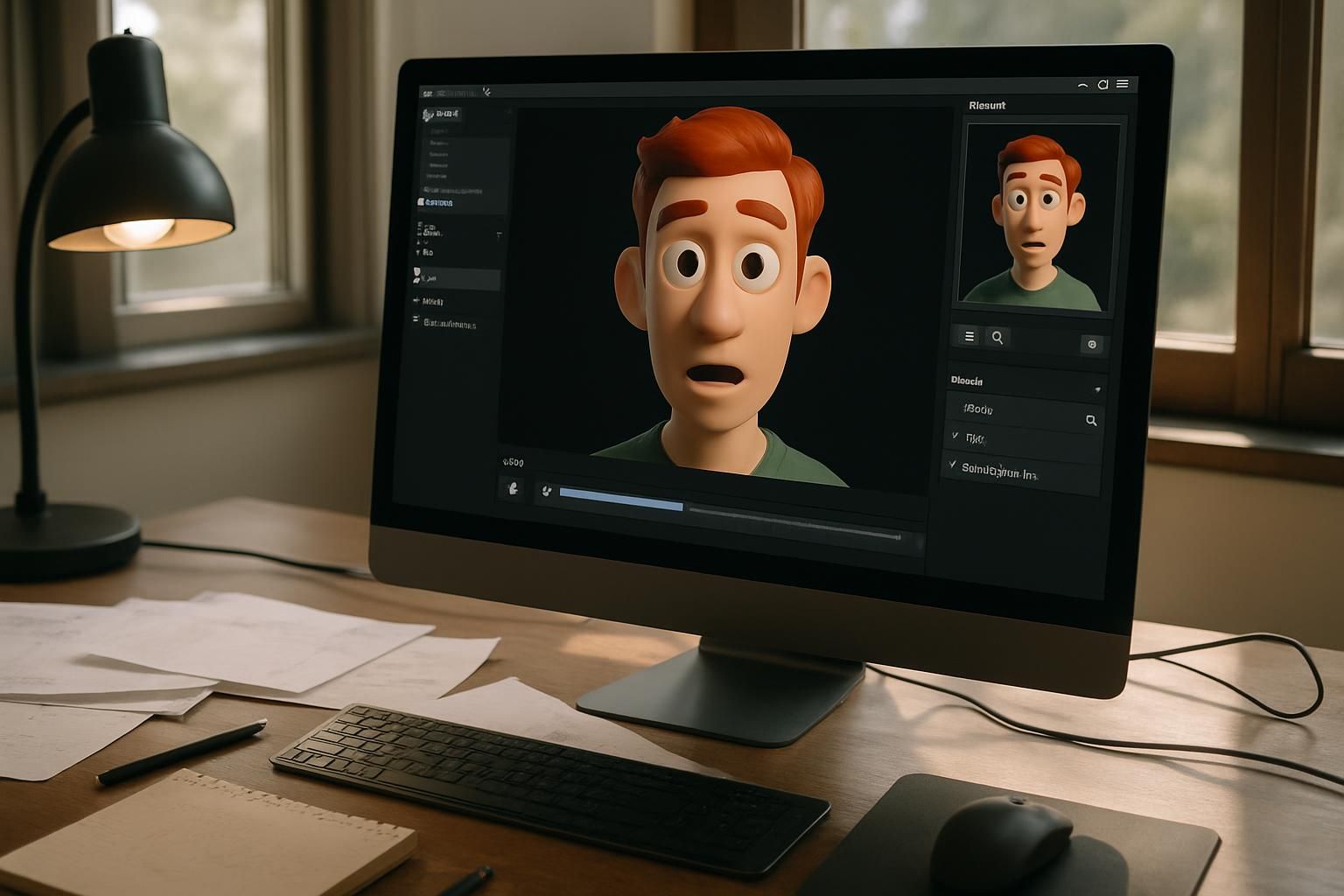

Choosing the right tool can make or break your video’s quality. Focus on features that save time and deliver smooth results!
Accuracy and realism

Accuracy and realism are critical for good lip-syncing. AI tools like LipDub offer high image fidelity and natural mouth movements. They replicate accurate pronunciation, ensuring synced lips match audio perfectly.
Clear voiceovers combined with HD video input boost believability further.
Lip Sync 2.0 handles multiple characters at once, making dialogue replacement smooth. Hollywood-grade results become a reality with features such as “Maintain expressions,” which refines dubbing quality without losing emotion.
This creates seamless syncing for marketing videos, TikToks, or YouTube clips.
Next up is ease of use!
Ease of use
Lip-sync deepfake tools often work in just three steps: upload, generate, and download. This simplicity means users save time on complex tasks. Tools like Kapwing offer drag-and-drop interfaces with templates, perfect for first-timers or quick edits.
Even beginners can sync lips to text-to-speech audio without breaking a sweat.
Vozo AI is another user-friendly option for creating spokesperson videos fast. It eliminates the need for cameras or heavy gear by automating lip syncing through computer vision and neural networks.
The smooth workflow lets users focus more on creativity than technical know-how. Next up, let’s explore video format compatibility!
Supported video formats
AI lip-sync tools work best with common video types like MP4, WEBM, and OGG. Most platforms set a maximum file size of 30MB. Higher resolutions, such as 720p or 1080p, improve the syncing quality.
Some tools also support MOV files if requested in advance. Videos should have one clear face per frame with good lighting to get the most accurate results. HD uploads are crucial for smooth detection and mapping processes.
Clear input equals better output.
Cartoons or animals often reduce accuracy during lip-syncing tasks. Next, let’s look into HeyGen as the top choice for mastering lipsync!
Processing speed
Fast processing speed saves time. Lip Sync 2.0 processes videos in just 30 seconds, while Lip Sync 1.0 takes about 90 seconds. Tools like LipDub generate HD video instantly as you type, making it ideal for quick tasks.
Most AI lip-sync tools handle videos in a few minutes to half an hour, depending on their complexity.
Traditional animation or manual editing could take days to sync lips perfectly to audio. AI tools cut this time drastically using deep learning and GANs technology. For example, one tool completed dubbing in under 60 seconds, showing how efficient these systems are today!
Best Overall Tool: HeyGen

HeyGen stands out with its sharp accuracy, quick processing, and easy setup—worth a closer look!
Features & Description (HeyGen)
This tool creates talking avatars from text or voice input. It supports multiple languages and offers a range of facial expressions. Businesses use it for presentations, explainers, and digital spokespeople.
You can even create avatars for websites, Instagram content, or as virtual assistants.
HeyGen allows fast video production without actors. It’s great for dubbing over videos or syncing lips in different languages. Integration with other AI tools helps with script writing and voice cloning.
Users can upload audio or use text-to-speech options to customize their avatar videos easily.
Pros & Cons (HeyGen)
Transitioning from HeyGen’s features, its advantages and drawbacks deserve a closer look. Let’s break them down for clarity.
| Pros | Cons |
|---|---|
| Supports multiple languages, making it useful for global projects. | Watermarks appear in the free version, limiting professional use. |
| Facial expression control enhances video quality and realism. | Doesn’t achieve the same visual depth as Hollywood-grade lip-sync tools. |
| Speeds up production times, helping marketers stay efficient. | Advanced features require paid subscription plans. |
| Seamlessly processes various video formats without compatibility issues. | Limited capabilities for handling multiple on-screen characters. |
| Provides effortless avatar creation for business and teaching needs. | Deepfake realism could be more refined compared to tools like LipDub AI. |
Hope that paints a clear picture of its strengths and limitations!
Best for Animations: LipDub AI
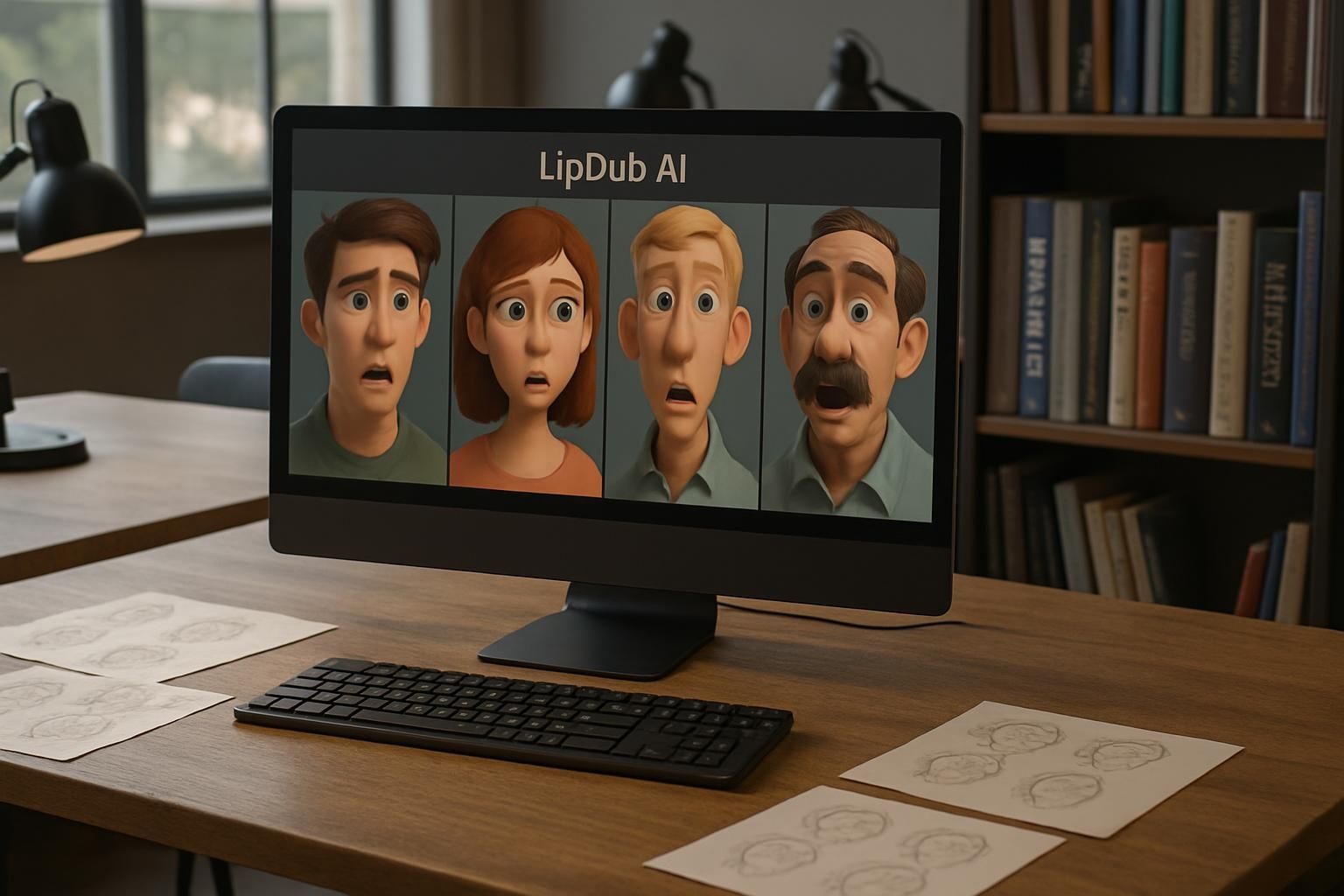
LipDub AI spices up animations with lifelike lip-syncing, making your videos pop—read on to see why it’s a game-changer!
Features & Description (LipDub AI)
LipDub AI turns videos into seamless, lip-synced masterpieces. Built by Mars, experts behind effects for “Spider-Man” and “Wednesday,” it offers Hollywood-level precision. Users can dub and localize content in multiple languages while matching lip movements perfectly.
Dialogue replacement tools allow quick script edits without losing realism.
With just 60 seconds of footage (or ideally 5 minutes), digital avatars come to life with stunning accuracy. The platform supports real-time HD video creation, multi-character processing, and even large-scale entrepreneurial projects.
For example, dubbing “Squid Game” into English gained a jaw-dropping 8 million Instagram views!
Pros & Cons (LipDub AI)
LipDub AI is a great pick for creating animated deepfake lip-sync videos. It shines in making characters look expressive and realistic. Below is a quick rundown of its strengths and weaknesses.
| Pros | Cons |
|---|---|
| Highly accurate lip-syncing, even for animated characters. | Can struggle with poor-quality input data. |
| Supports multiple video formats, making it versatile. | Requires significant processing power for larger files. |
| Allows quick turnaround, with minimal manual intervention. | Not ideal for lengthy videos due to high processing time. |
| Offers an easy interface for beginner-friendly workflows. | Credit-based pricing can get expensive for frequent usage. |
| Great for animations, such as cartoons or explainer videos. | Needs explicit permissions for non-original characters. |
Next up, let’s talk about Kapwing, which is perfect for beginners.
Best for Beginners: Kapwing
Kapwing is simple, beginner-friendly, and perfect for creating smooth lip-sync videos with ease—let’s dive deeper!
Features & Description (Kapwing)
This browser-based tool is perfect for beginners. Its drag-and-drop feature makes editing simple and quick. Users can add subtitles, sync voices, or create basic animations with AI assistance.
Templates help streamline projects like social reels or training videos.
The platform supports step-by-step editing: upload a video, tweak it with text or images, fine-tune the details, then export in popular formats. It integrates well with other AI tools to improve scriptwriting or voiceovers.
Ideal for explainer videos and captions on short clips, Kapwing focuses on speed and ease of use without needing deepfake expertise.
Pros & Cons (Kapwing)
Kapwing shines as a beginner-friendly lip-sync deepfake AI tool. Its straightforward interface, templates, and guided workflow make it ideal for first-timers. Let’s break down its strengths and weaknesses in a simple table format:
| Pros | Cons |
|---|---|
| Great for beginners with no editing experience. | Free version includes watermarks. |
| Step-by-step guidance simplifies video creation. | Lacks advanced features for professional-grade animations. |
| Templates save time for common video types. | Lip-sync accuracy trails behind specialized tools like HeyGen or LipDub AI. |
| Handles multiple media formats for flexibility. | Limited support for syncing multiple on-screen characters. |
| Perfect for teachers, marketers, and casual creators. | Editing capabilities are basic compared to premium AI tools. |
Best for Versatility: Wondershare

Wondershare shines with its flexibility, making it a great pick for various lip-sync projects—read on to see why!
Features & Description (Wondershare)
This tool syncs audio to video, making it ideal for YouTube, interviews, or quick edits. It supports various formats for both videos and audio files, offering versatility across projects.
Users can edit voiceovers, create marketing clips, or refine training content without needing actors or cameras. Both AI-powered and manual lip-sync options are available. Plus, there are export settings customized for different platforms like social media or professional use.
Pros & Cons (Wondershare)
Wondershare is a popular choice for users who seek versatility in a lip-sync deepfake AI tool. It balances accessible features with broad usage possibilities, making it a reliable option. Below is a structured breakdown of its strengths and weaknesses.
| Pros | Cons |
|---|---|
– Supports various input/output formats, making it adaptable for different projects. – Processes videos quickly, saving time for creators needing fast results. – Beginner-friendly interface, no advanced skills required to operate. – Affordable for small creators or businesses with limited budgets. – Offers adequate lip-sync accuracy for general-use videos. | – May not achieve the most realistic deepfake effects compared to premium tools. – Free version includes feature restrictions and limits on exports. – Lacks advanced multi-character handling for complex projects. – Doesn’t include high-end avatar or dubbing customization features. – Better tools exist for highly specialized animations or ultra-realistic effects. |
Best Budget Option: Vozo AI
Vozo AI offers solid lip-sync features without burning a hole in your pocket—check it out for savings and quality!
Features & Description (Vozo AI)
Vozo AI simplifies creating lip-sync videos with ease. It uses deep neural networks to generate lifelike spokesperson clips. You can pick from many human-like avatars for your project.
The tool helps you save time and money by skipping cameras and hiring actors.
This AI lip sync software is perfect for beginners, marketers, and small businesses on a budget. Write a script, and it syncs voiceovers automatically to match the visuals. Users can quickly create explainer or marketing videos in standard video formats.
Ideal for quick social media posts or branded business content, it speeds up production while keeping things professional.
Pros & Cons (Vozo AI)
Moving from the features, it’s time to dissect what Vozo AI brings to the table in terms of benefits and drawbacks. Here’s a quick breakdown.
| Pros | Cons |
|---|---|
|
|
Tips for Enhancing Realism in Lip-sync Deepfake Videos
Creating realistic lip-sync deepfake videos takes effort. Small tweaks can make a big difference. Follow these tips for better results:
- Use clear, high-quality voiceovers. A clean audio track improves synchronization accuracy and makes the output more believable.
- Add subtle facial expressions. Include eyebrow raises, slight head tilts, or eye movements for a natural look.
- Match emotions to speech tone. If the speaker sounds happy or sad, reflect it in the visuals for smooth alignment.
- Fine-tune lip movements with speech timing. Adjust the sync carefully so words match lips perfectly.
- Use HD video inputs. Clear, high-resolution footage helps detect facial features and mouth movements better.
- Train using varied gestures and motions. Adding different poses improves the AI’s ability to map lips in different scenes.
- Skip exaggerated gestures during training sessions. Over-the-top actions can distort syncing precision later.
- Make sure lighting is strong and even in your video clips. Poor lighting leads to misaligned lips or blurry visuals.
- Choose a front-facing view of your subject when recording input videos for sharper detection of the face.
These steps will give your digital deepfakes a lifelike edge!
Conclusion
Lip-sync deepfake AI tools are changing the game. From HeyGen’s precision to Vozo AI’s affordability, there is something for everyone. Whether you’re a pro or a rookie, these tools make creating synced videos a breeze.
Pick what fits your needs, and start crafting magic! The future of video editing is here, so why wait?
FAQs
1. What is a lip-sync deepfake AI tool?
A lip-sync deepfake AI tool uses artificial intelligence to match spoken words with realistic mouth movements in videos, creating highly accurate and synchronized results.
2. How does a lip-sync deepfake AI tool work?
It analyzes audio input, maps it to facial expressions, and adjusts the video frame by frame for seamless synchronization between speech and visuals.
3. Can I use a lip-sync deepfake AI tool for personal projects?
Yes, many tools are user-friendly and suitable for personal use like creating fun videos or experimenting with creative content.
4. Is using a lip-sync deepfake AI tool safe?
It depends on how you use it. Always follow ethical guidelines when working with this technology to avoid misuse or harm.